
Product updates
Bitget Launches Industry-First: Free US Stock Level 2 Data (Save $276/Year)
2026-06-11 03:37319953
Bitget is about to launch level 2 market data for U.S. stocks. The feature supports multiple data sources, including Nasdaq TotalView and Blue Ocean, and offers up to 40 levels of bid and ask depth, depth charts, and trade details. It provides continuous 24-hour data covering U.S. pre-market, regular trading hours, after-hours, and overnight sessions, giving you a more complete view of market movements.
Bitget users who meet the requirements of VIP 1 (through trading volume) or VIP 3 (through asset holdings) can access US Stock Level 2 market data for free. As an industry first, this exclusive benefit saves you $276 annually!
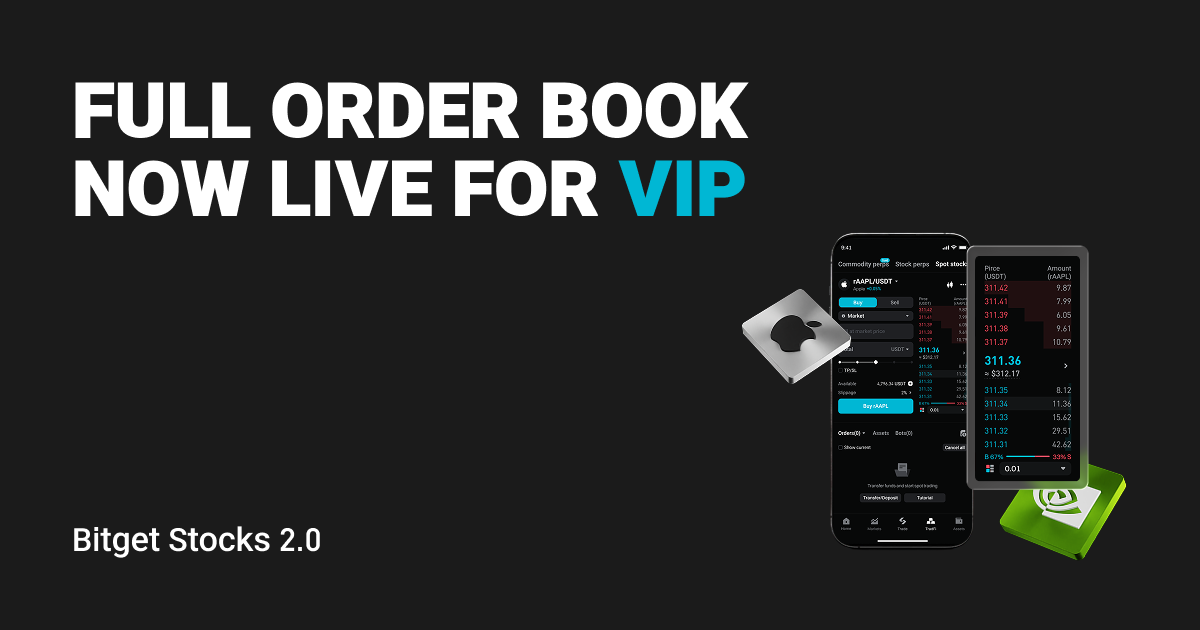
Please update your mobile app to the latest version (v2.85.0) to access Level 2 market depth for U.S. equities.
Eligibility
Bitget users who meet any of the following conditions can enjoy free access:
Reach VIP1 through trading volume
Reach VIP3 through asset holdings
Where to find it
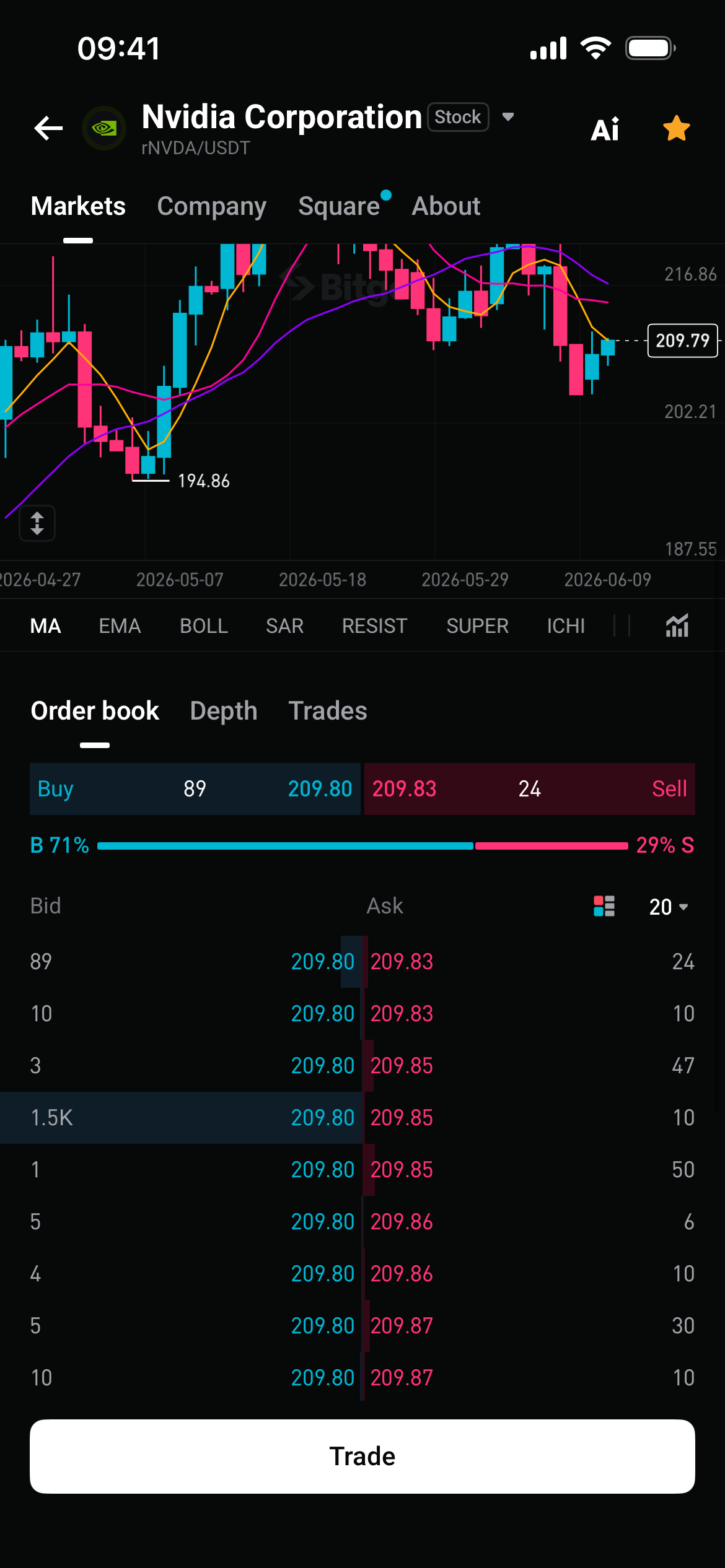
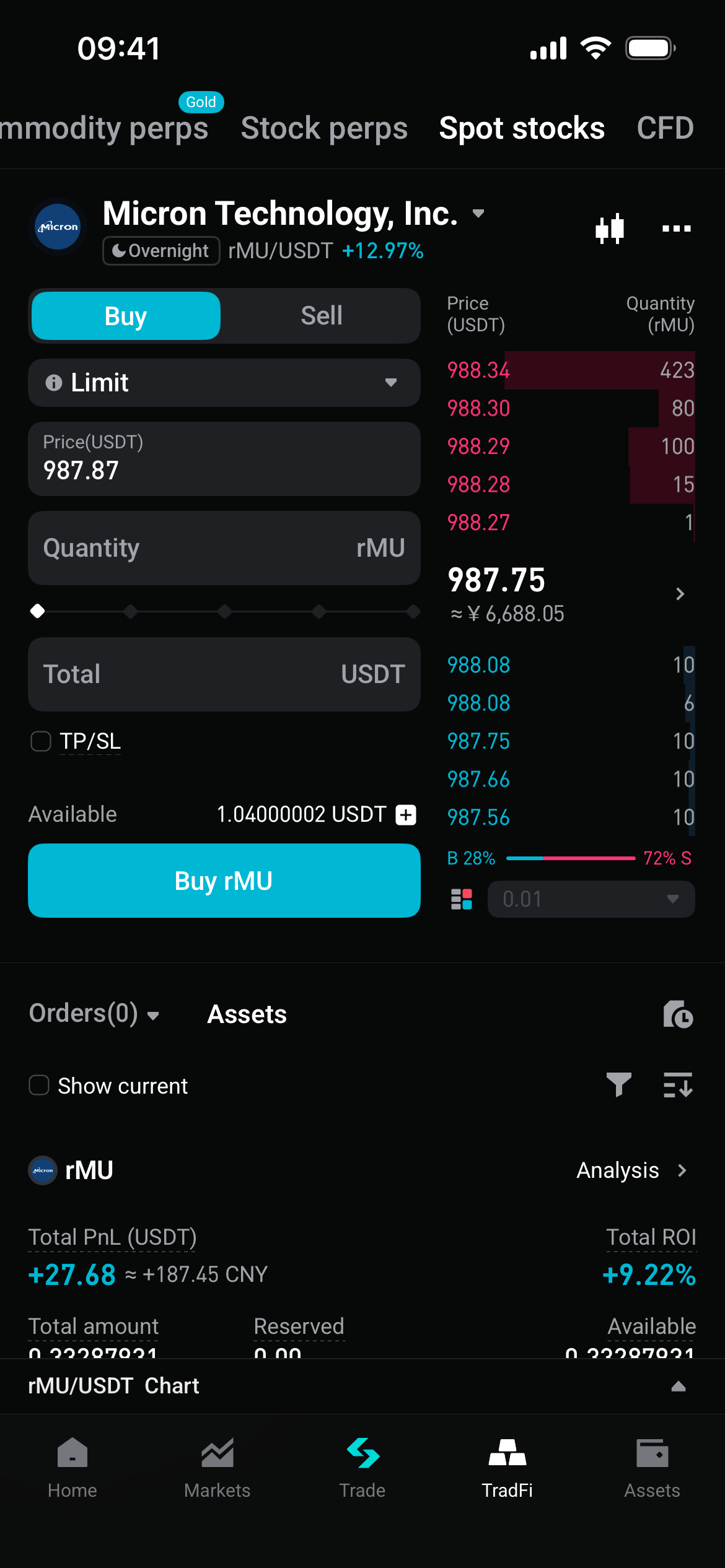
Open the Bitget app and go to the U.S. stock quotes or U.S. stock trading page. Select a stock, then tap Order Book, Depth Chart, or Trades on the stock details page to view the data.
Order book: View bid and ask depth
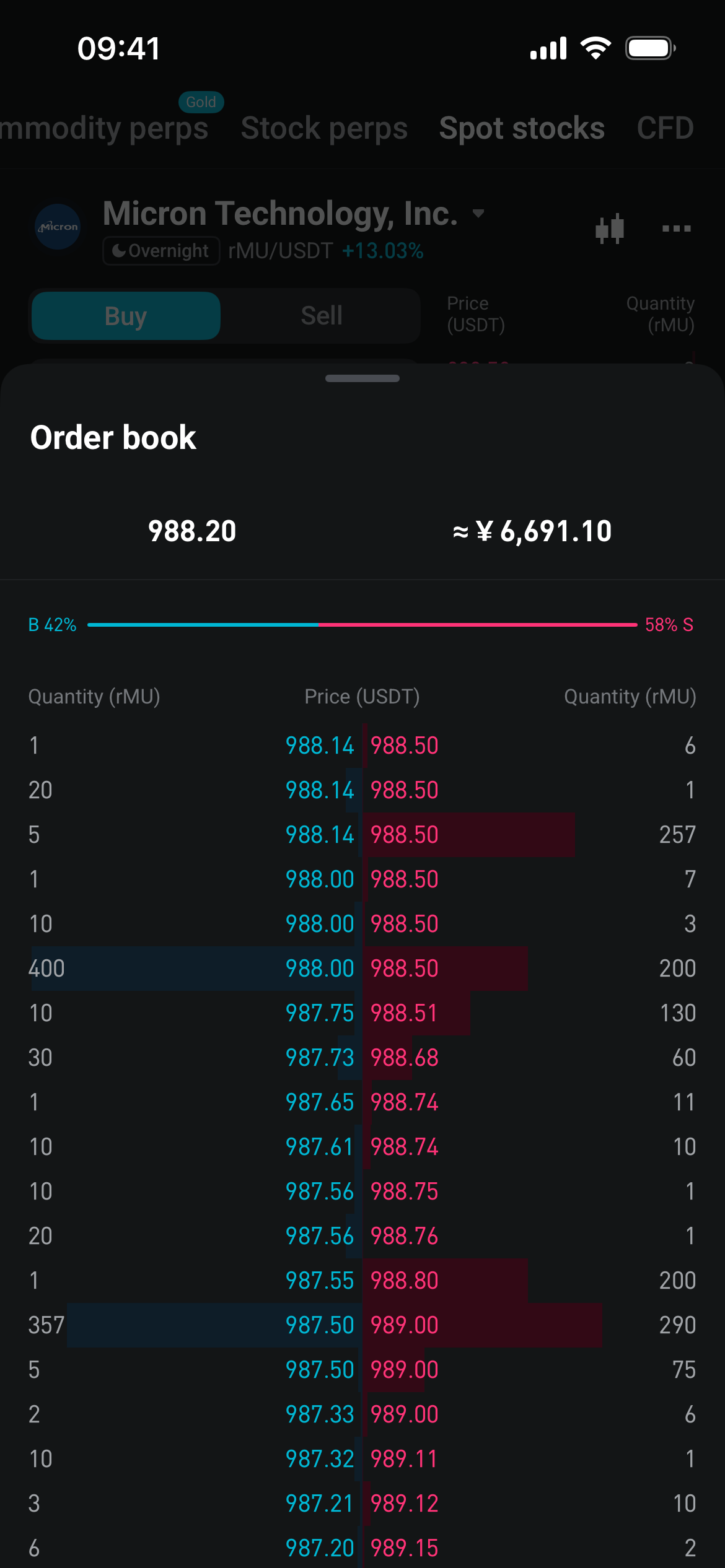
The order book shows buy and sell orders at different price levels. Bitget's level 2 market data for U.S. stocks supports up to 40 levels of bid and ask depth.
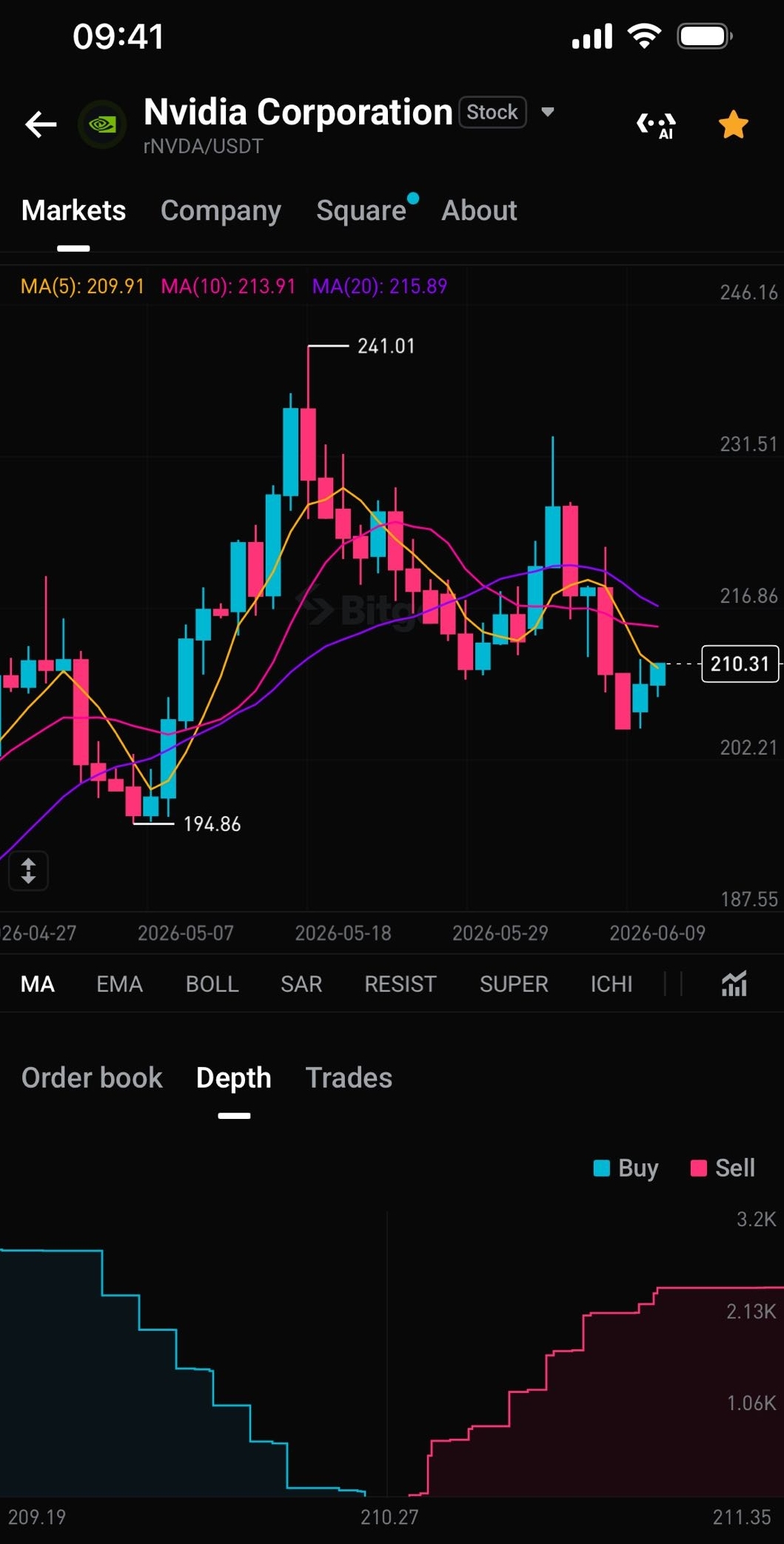
Depth chart: Understand market depth at a glance
The depth chart visualizes cumulative buy and sell order volume across different price ranges, making the order book structure easier to read.
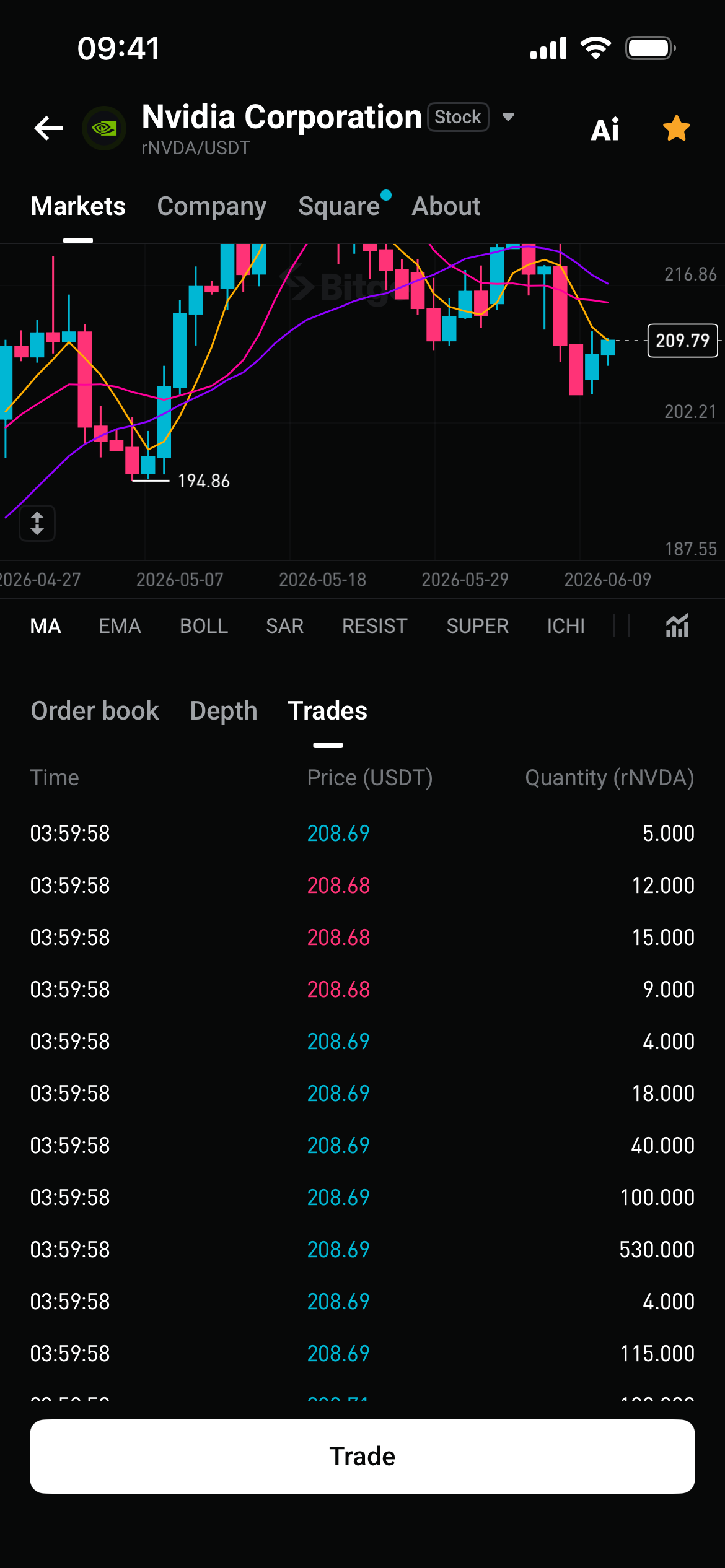
Trades: Track real-time market activity
The trades view shows the price, size, and time of each executed trade, helping you understand actual market activity.
How level 2 market data can help
-
Assess market sentiment: View bid and ask quotes across more price levels to identify shifts in buying and selling pressure.
-
Identify support and resistance: See where large orders are concentrated to help identify key price levels.
-
Evaluate liquidity: Use order book depth to assess trading activity and potential price impact.
-
Improve trade timing: Combine pre-market, regular trading hours, after-hours, and overnight data to better identify entry and exit opportunities.
-
Understand bid-ask spreads: View the bid-ask spread more clearly and choose a more suitable order price."
Tips for using level 2 data
-
Start with the order book: Check whether buy and sell orders are balanced and where large orders are concentrated.
-
Then review the depth chart: Use the chart to spot support and resistance zones and get a clearer view of market depth.
-
Use trade details: Track the direction and size of executed trades to see whether market moves are supported by real trading activity.
-
Watch the bid-ask spread: A narrower spread usually means lower execution costs. If the spread is wide, consider using a limit order.
-
Pay extra attention outside regular trading hours: Liquidity may be lower during pre-market, after-hours, and overnight sessions. Review the order book and trades carefully before placing orders."
Open Bitget now to try level 2 market data for U.S. stocks and access free 24-hour Nasdaq data.
Join Bitget, the world's largest Universal Exchange (UEX)
Share


