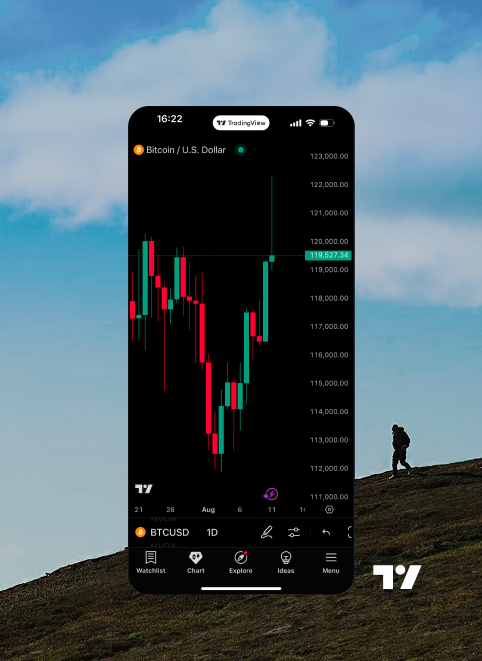

Bitget App
Trade smarter
Buy cryptoMarketsTradeFuturesEarnSquareMore

Trade crypto like a pro on TradingView with your Bitget account
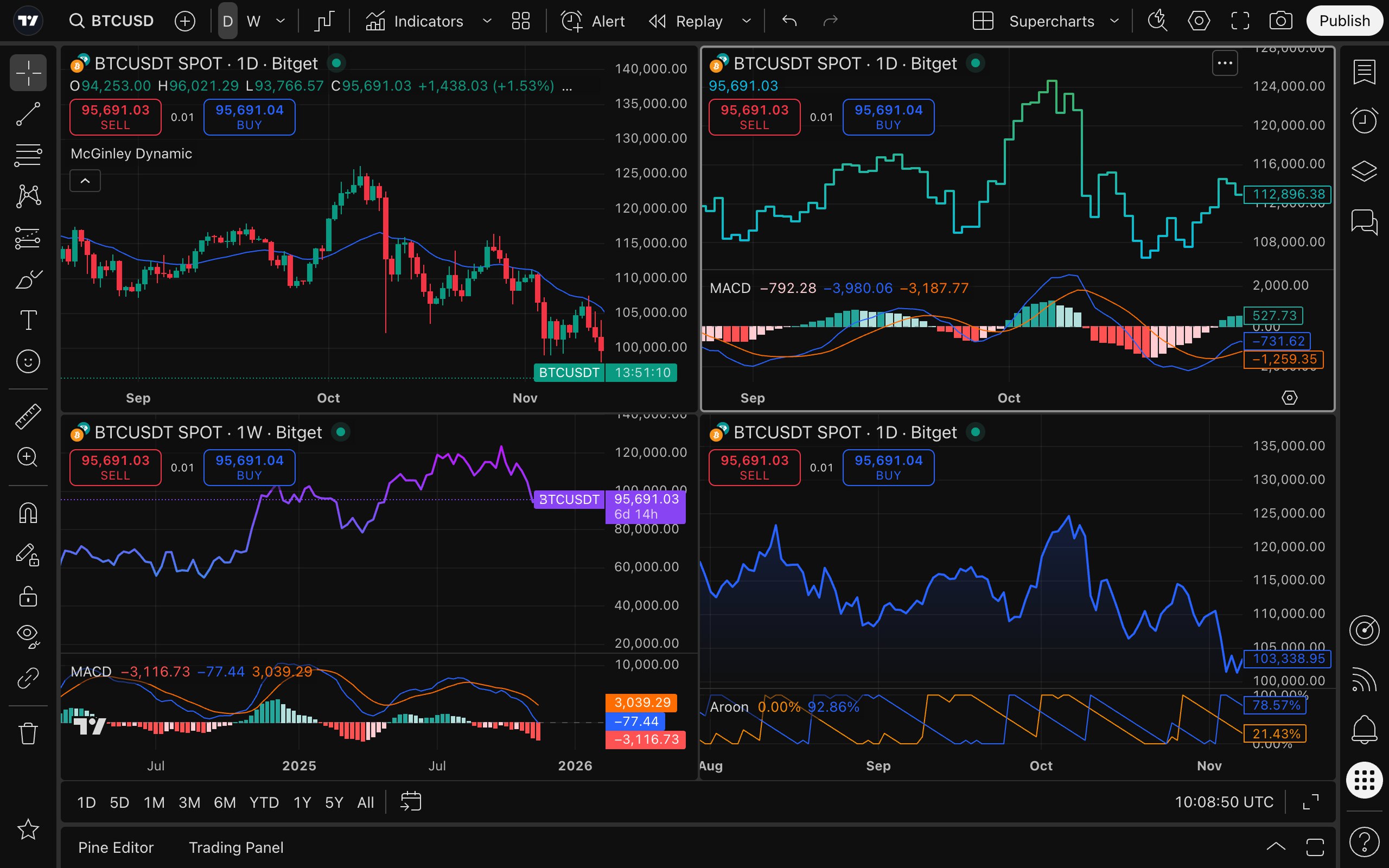
Start trading
Connect account
Excellent

good. many promos. easy registration.

Why trade on TradingView with Bitget?
Robust security
Your assets are protected by state-of-the-art encryption, MPC wallet technology, and self-custody for total control.
All things trading
Watchlists, alerts, and live news seamlessly integrate into your charting and trading dashboard.
Fund protection
Trade confidently with a $741M Protection Fund and verified Proof of Reserves, ensuring a 1:1 asset ratio.
How to trade on Bitget using TradingView?
Image 1
Professional trading starts from TradingView analysis
  • Powerful charting tool: Integrated over 20 professional chart types, 400+ built-in indicators, and 100+ asset filters, plus real-time news updates and earnings data to support your analysis, selection, and decision-making process.

  • Custom alerts: 13 fully customizable alert conditions across price movements, indicators, and strategies, enabling instant push notifications to help you stay ahead of market movements.

  • Backtesting validation: Pine Script™ transforms your trading ideas into credible strategies and indicators, and validate them against historical data, backing every trade you place with evidence and confidence.

  • Trader community: Join a network of over 100 million traders, explore expert insights, learn practical tactics, and discover a vast library of original strategies, broadening your input for trading ideas.


Bitget handles trade execution for you
  • High-liquidity trading: Backed by a deep order book and global liquidity network to minimize slippage, ensuring smoother and more predictable order execution.

  • Asset security: The Proof of Reserves and a dedicated Protection Fund provide an extra layer of asset protection.

  • Risk control: An institutional-grade risk control system designed to mitigate risks during extreme market conditions.

  • Diverse assets: One-stop access to a wide range of assets, instantly expanding trading offerings and boosting user retention and overall trading volume.

Combine analysis and execution in one step
  • Place orders on Bitget within TradingView charts.

  • No need to switch between platforms.

  • Fast strategy execution.

  • Integrated Bitget-TradingView execution: Set up spot strategies, place orders, and precisely configure take-profit/stop-loss (TP/SL) levels within seconds, keeping your trading plan seamless, fast, and highly efficient.

Trade seamlessly across devices
Enhance your experience with the powerful desktop app or trade on the go with the mobile app.
Download the desktop app
Download on the App Store
Download on Google Play

How to get started

01 / Create accounts
Sign up with Bitget and create a free TradingView account.
03 / Connect the accounts
Connect the accounts by entering your Bitget credentials.
02 / Bitget on TradingView
Find Bitget on TradingView in the trading panel or broker list.
04 / Start trading
Place trades directly on TradingView Supercharts using your Bitget account.

FAQ

How can I create a TradingView account?

Go to tradingview.com, click the member icon in the top right-hand corner, and then hit the "Sign In" button, choosing your preferred verification method. Don't forget to explore the community, news and market screeners, to discover more exciting content.

What browsers does TradingView support?

TradingView is compatible with all modern browsers and also offers desktop and mobile apps, which you can download from the official website.
How can I make deposits and withdrawals?
After connecting to TradingView, your brokerage will continue to handle all your account transactions—including deposits and withdrawals.

Which assets can I trade on TradingView with my Bitget account?

All futures assets supported on Bitget are available for trading on TradingView. Spot assets are in the process of being integrated.

I want to practice trading without risking real money. How can I do it?

You can use the Paper Trading feature, which allows you to execute simulated trades without risking real money. To start using Paper Trading, open a chart, then open the Trading Panel and select Paper Trading. Please note that simulated trades do not reflect real-world execution speed or order behavior on an integrated account.

Where can I find tutorials and guides for TradingView?

There are several ways to learn more—you can explore TradingView's Help Center, submit support tickets, or inquire with your broker for assistance. TradingView also offers a wide range of tutorials on its official YouTube channel.

How much does it cost?

Integration is free ‌for our clients; only standard brokerage fees and commissions apply. You can also purchase one of TradingView's Premium plans for advanced traders.