
How to set up counterparty trading requirements on P2P
Bieżący artykuł nie obsługuje wybranego języka, został on automatycznie zarekomendowany dla Ciebie w języku angielskim
How to set up counterparty trading requirements on P2P
2026-01-24 16:00
3716073Udostępnij
In order to make merchants work easier, we have come up with a new feature called "
Counterparty Trading Requirements". This feature lets a merchant choose/filter users with who he wants to
accept orders or initiate a trade. With this new feature merchants can set up requirements/conditions for the user, and only the user who satisfies these requirements will be able to trade with the merchant.
Here's a video guide on how you can use this feature as a P2P merchant when posting advertisements.
If you are still not a merchant, please click to learn
How to become a Merchant on Bitget P2P.
If you need to set the trading requirements of the counterparty
(non-merchant users)
, you need to click this button to enable this feature.
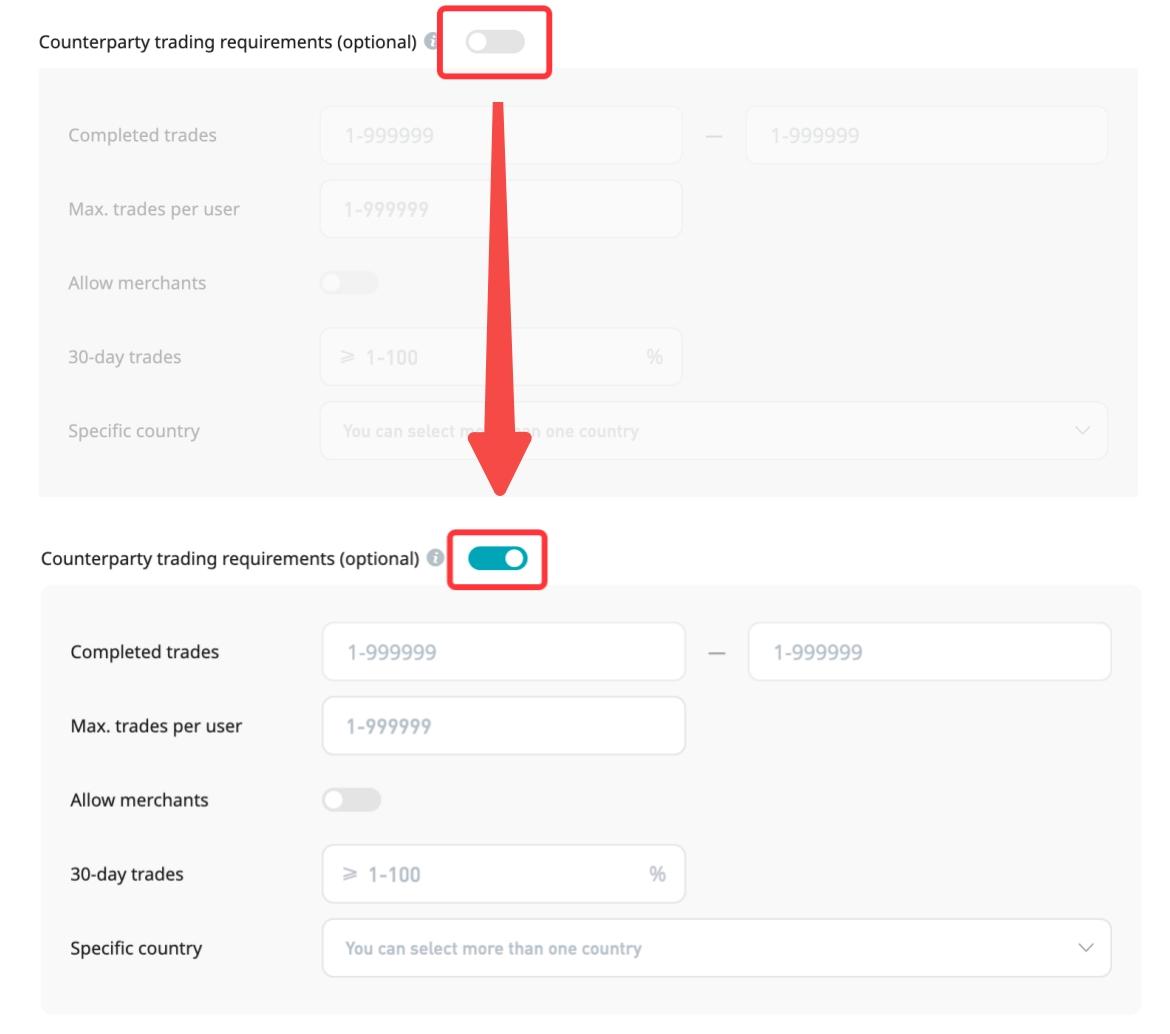
1)Completed trades:The number of orders that the counterparty has completed in the past
For example:

This means that only users whose
total number of completed P2P orders is greater than 5 will be able to place orders from this advertisement. (for filtering old users)

This means that only users whose
total number of completed P2P orders is less than 5 will be able to place orders from this advertisement. (for filtering new users)

This means that the users whose
total number of completed P2P orders is greater than 5 but less than 10 orders will be able to place orders from this advertisement.
2)Max.trades per user:The maximum number of times each user can place an order from this advertisement
For example:

If it is set as 1 then each user can
place
only 1
order
from
this
advertisement
3)Allow merchants:Whether you allow other merchants to place orders from this ad

Opening this button means that
all users and merchants can place orders in this advertisement
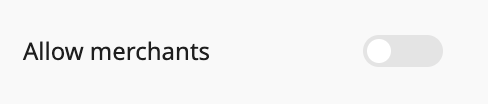
Closing this button means that
only users can place orders in this ad, and
merchants can not place orders
4)30-day trades:The counterparty's 30-day completion rate
For example:

This means that only counterparties whose
30-day order completion rate exceeds 80% can place orders in this ad
5)Specific country:The KYC nationality of the counterparty
Users in most countries can only trade in fiat currencies corresponding to their KYC nationality. A few special countries can trade in multiple fiat currencies.
You can also reach out to us on telegram
@bitgetp2ppay or
@Bitgetlamelo for any queries or email us at
p2p@bitget.com
Join Bitget, the World's Leading
Crypto Exchange and
Web 3 Company
*To ogłoszenie jest wrażliwe na upływ czasu. Prosimy zwrócić uwagę na datę publikacji. Platforma nie ponosi odpowiedzialności za jakiekolwiek bezpośrednie lub pośrednie straty wynikające ze zmiany okoliczności lub nieaktualnych treści.
Powiązane artykuły
Jak zgłosić się jako sprzedawca na platformie Bitget P2P? – przewodnik dla witryny internetowejJak ubiegać się o status sprzedawcy na platformie Bitget P2P? — przewodnik po aplikacji mobilnejJak cofnąć status sprzedawcy P2P? – przewodnik po stronie internetowejJak cofnąć status sprzedawcy P2P w aplikacji mobilnej?Jak zamieścić ogłoszenie P2P w witrynie Bitget?Jak zamieścić ogłoszenie P2P w aplikacji Bitget?Jak korzystać z API P2P Bitget?Wymagania i korzyści związane z uzyskaniem statusu sprzedawcy P2PCzym jest funkcja akceptowania zleceń dla sprzedawców P2P?Umowa o zarządzaniu aktywami depozytu zabezpieczającego sprzedawcy P2P
Czy ta informacja była pomocna?