
OBS Streaming Guide
El artículo actual no se encuentra disponible en el idioma que seleccionaste; te recomendamos automáticamente el idioma inglés.
OBS Streaming Guide
2025-05-26 14:38
56458Compartir
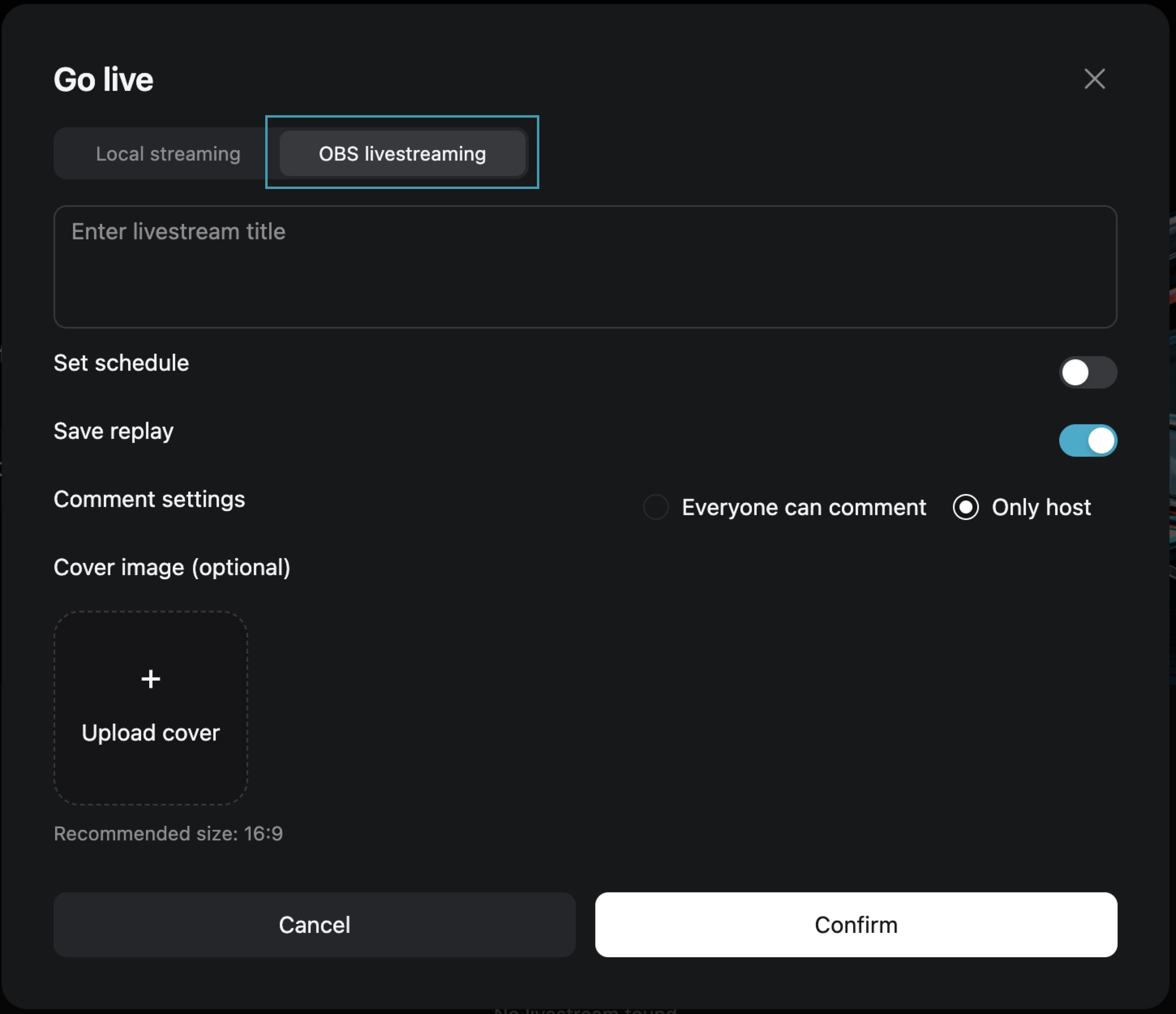
Step One: Choose [OBS Streaming Live]
After filling in the live broadcast information, click [Confirm] to enter the live preview page.
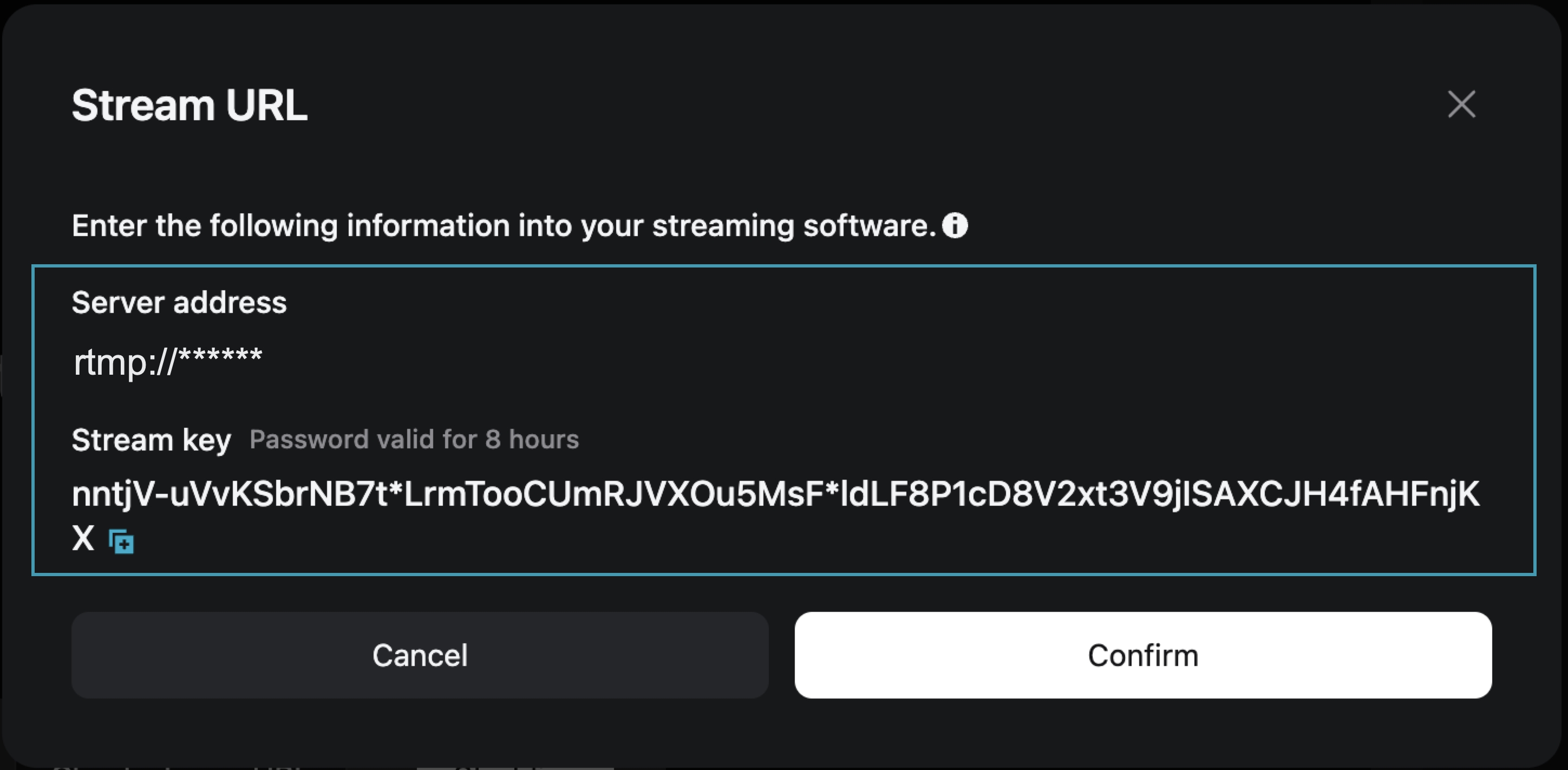
Step Two: On the live preview page, obtain the [Stream Address] and [Stream Key]
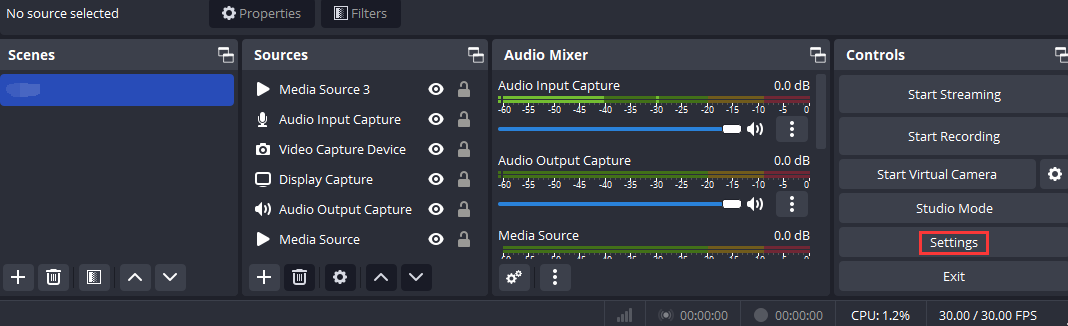
Step Three: Open OBS and access the settings page
Open OBS, and you can access the settings interface by clicking on the Settings button in the bottom toolbar control.
Step Four: Configure OBS Stream Settings
1. Click [Stream] to enter the stream settings tab, and select "Custom Streaming Server" as the service type.
2. Enter the obtained "Server Address" and "Stream Key" into the Server and Bearer Token fields.
Server: Corresponds to "Server Address"
Bearer Token: Corresponds to "Stream Key"
3. Save the settings.

Step Five: Configure Output Parameters
Output Mode: Select “Advanced”
Rescale Output: Select 1280*720
Profile: Select baseline

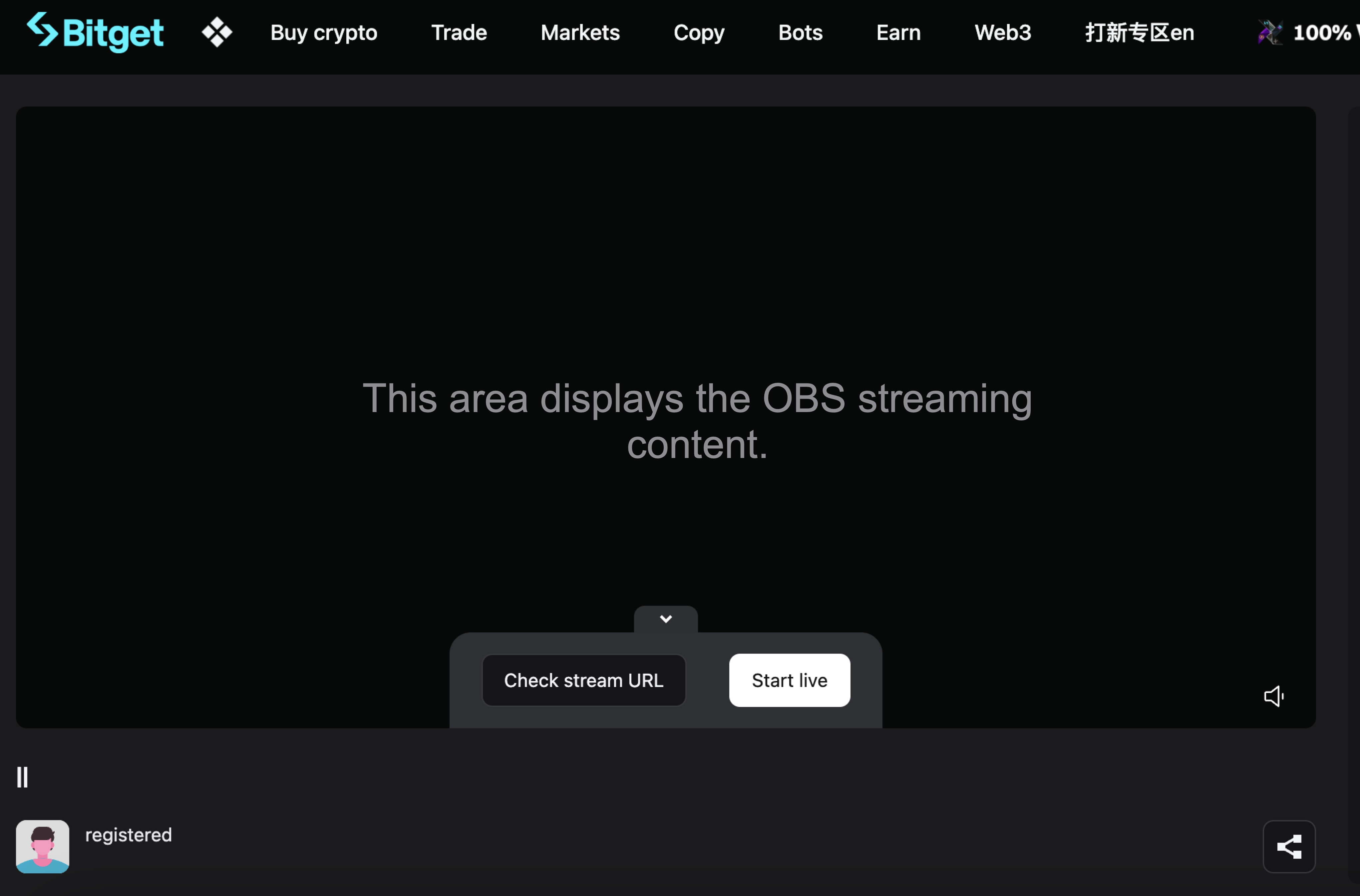
Step Six: Return to the Bitget Live Preview Page
At this point, the live preview page will display your OBS broadcast content. Click [Start Live] to begin your live broadcast on Bitget.
Join Bitget, the World's Leading Crypto Exchange and Web3 Company
*Este anuncio es sensible al tiempo. Tenga en cuenta la fecha de publicación. La plataforma no asume ninguna responsabilidad por pérdidas directas o indirectas derivadas de circunstancias cambiantes o contenido desactualizado.
Artículos relacionados
⚙️ Mantenimiento del servicio de reembolso de depósitos no acreditados📢 Aviso de reverificación de KYCPreguntas frecuentes del Programa Bitget BrokerCómo presentar una solicitud de herencia en BitgetEncuentra a Satoshi en GetAgent Pregúntale lo que quieras y comparte el airdrop de $10,000 en BTCUpgrade por tiempo limitado a GetAgent Plus: Disponible para todos los usuarios🎉 Celebración del 7.º aniversario de Bitget · Beneficios exclusivos 🎂¡El bot de Telegram Bitget Guardian ya está activo!Preguntas frecuentes sobre la fusión de Bitget Wallet Token (BWB) y Bitget Token (BGB)Tutorial de ventana flotante para dispositivos Android
¿Te resultó útil?